 SugarLaps
Short answer
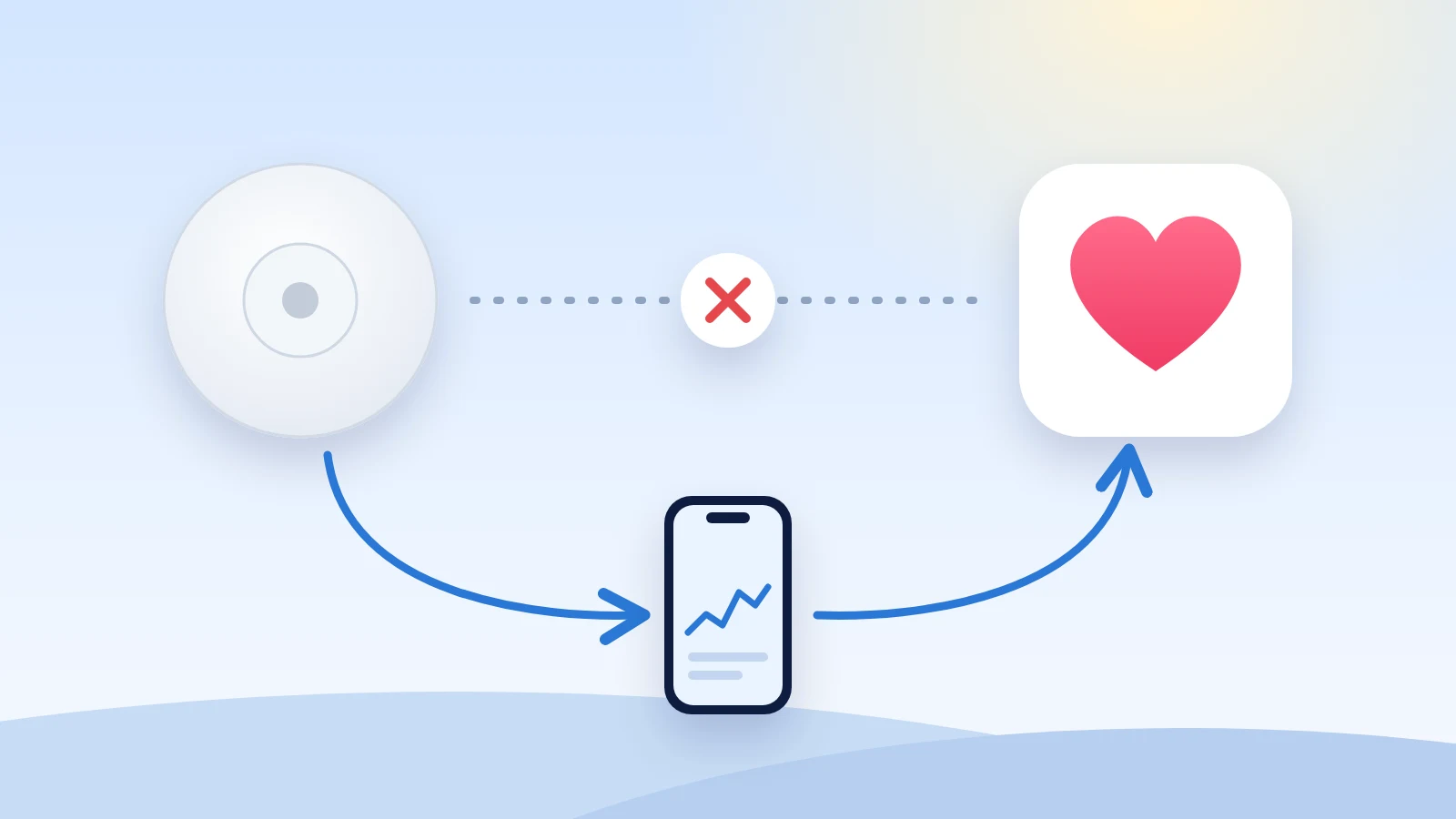
Abbott's apps don't list an Apple Health connection, so your Libre readings usually don't reach Apple Health. There are two ways around it.
Option 1 · automatic
Copy your readings into Apple Health
- Set up LibreLinkUp to follow your own sensor.
- Install FLwatch or Glucose Relay and sign in.
- New readings show up in Apple Health.
Option 2 · by hand
Download your readings from LibreView
- Sign in at libreview.com.
- Download your glucose data as a CSV file.
- Open the file in an app that reads LibreView exports.
Check your iPhone
FreeStyle LibreLink, FreeStyle Libre 3 and the newer Libre app don't list an Apple Health connection, and Abbott's help pages don't describe one. Apps can differ by country, so check yours:
- Open the Health app, search for Blood Glucose and tap it.
- Scroll down and tap Data Sources & Access.
- Look for your Libre app under Data Sources. If it's listed there, your readings are already in Apple Health and you're done.
Copy your readings into Apple Health
Some apps follow your sensor through LibreLinkUp, Abbott's sharing service, the same way a family member's phone does. They copy each new reading into Apple Health.
- Set up a free LibreLinkUp account that follows your own sensor.
- Install one of these apps from the App Store and sign in with that account:
- FLwatch (free). It also shows your readings on Apple Watch. Turn on Apple Health in its settings.
- Glucose Relay ($1.99). It copies Libre readings into Apple Health and does nothing else. It can't save readings while your iPhone is locked.
- Open the Health app and check Blood Glucose for new readings.
Both apps come from independent developers. Abbott doesn't make or endorse them.
Note: These apps don't replace your Libre app. Keep using it for alarms and treatment decisions.
Download your readings from LibreView
To skip the extra app, download your readings from LibreView, Abbott's website for Libre data.
- Sign in at libreview.com.
- Go to Glucose History and choose Download Glucose Data.
- Open the CSV file in an app that reads LibreView exports, such as SugarLaps.
These readings don't go into Apple Health, so apps that only read Apple Health won't see them.
Use your readings in SugarLaps
SugarLaps is a training diary for iPhone. It puts your last sessions of the same sport on one chart, with your glucose from an hour before the start to three hours after. It reads your Libre glucose from Apple Health once one of the apps above has copied it there, or from a LibreView file you open in SugarLaps.
Still stuck? Email hello@sugarlaps.com and tell us which Libre sensor and app you use.
Updated 13 November 2026. FreeStyle Libre, LibreLink and LibreLinkUp are trademarks of Abbott. SugarLaps is not affiliated with Abbott or with the apps named here.