SugarLaps
What did my glucose do last time?
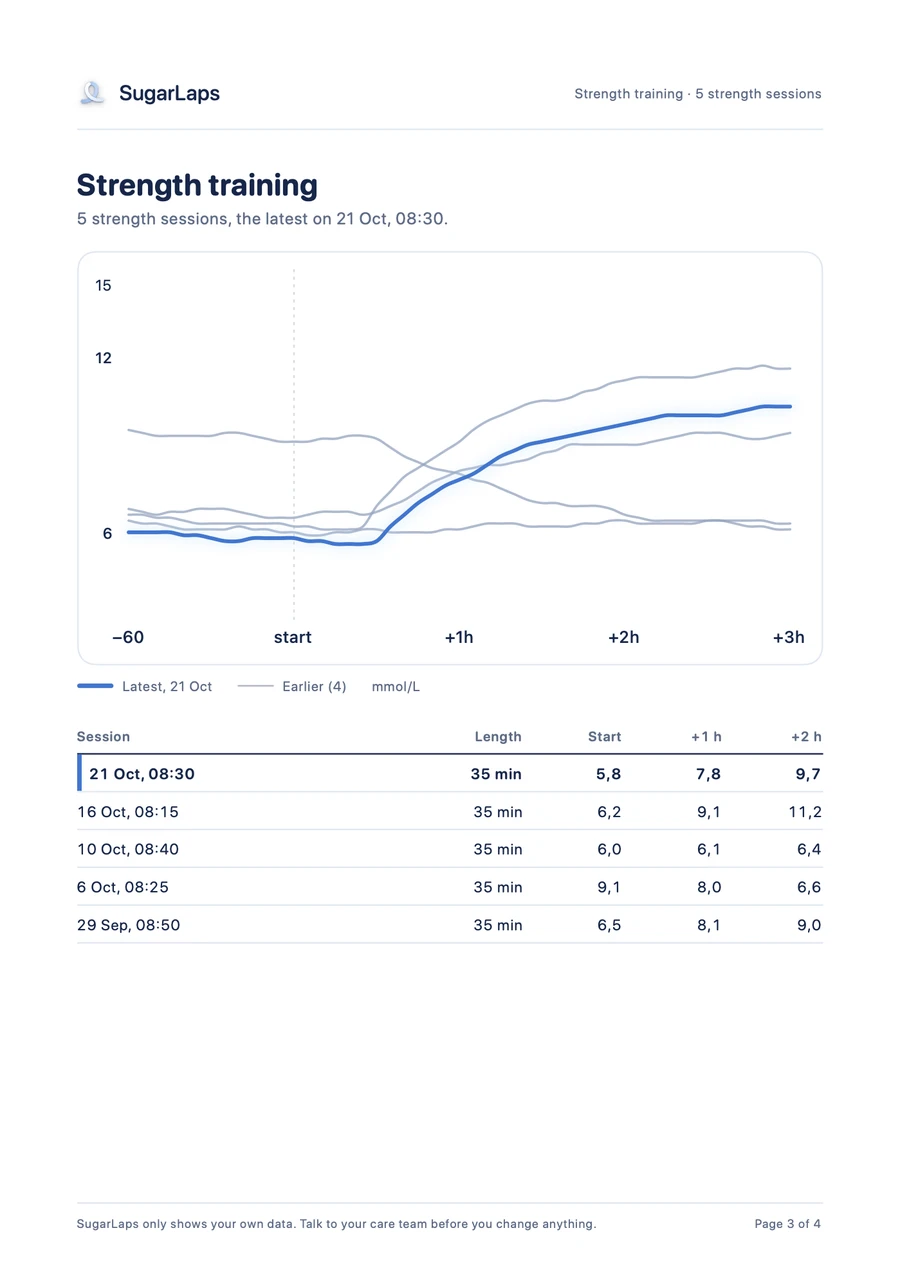
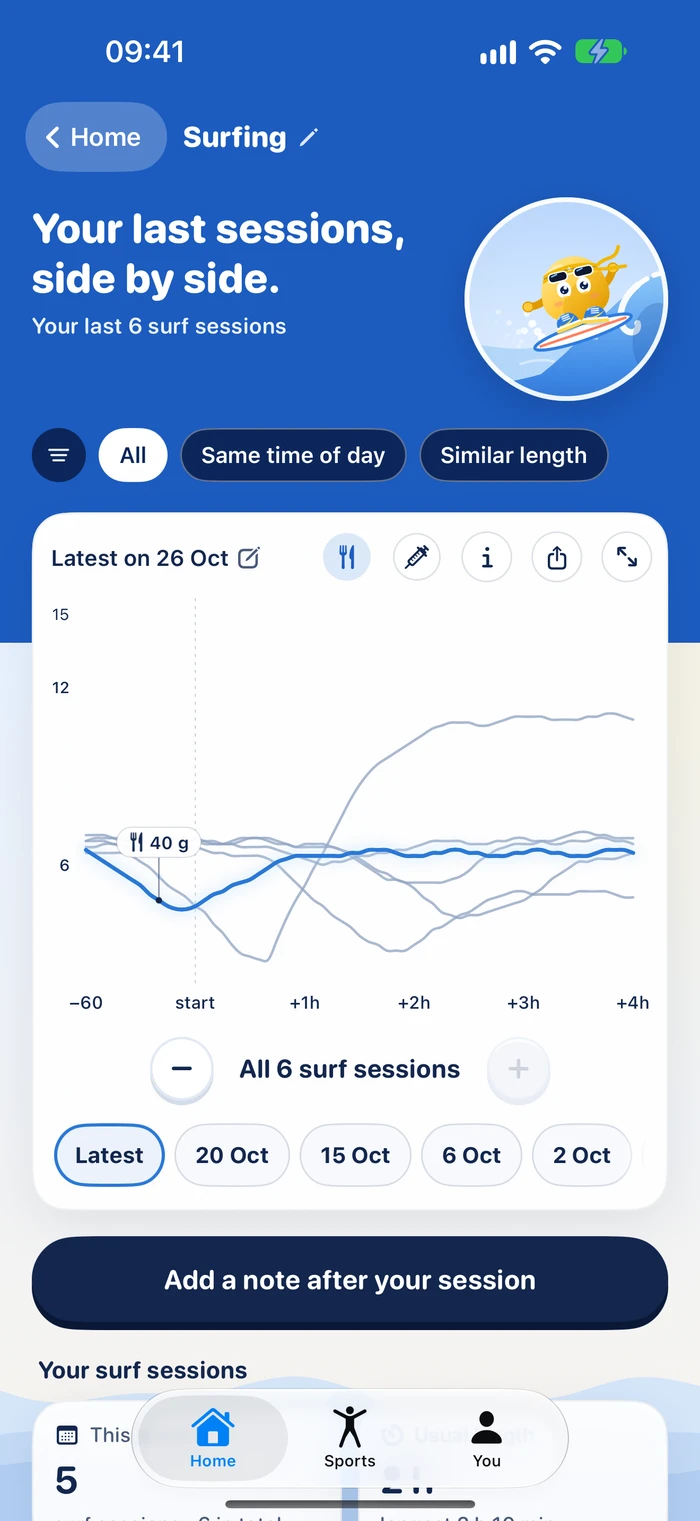
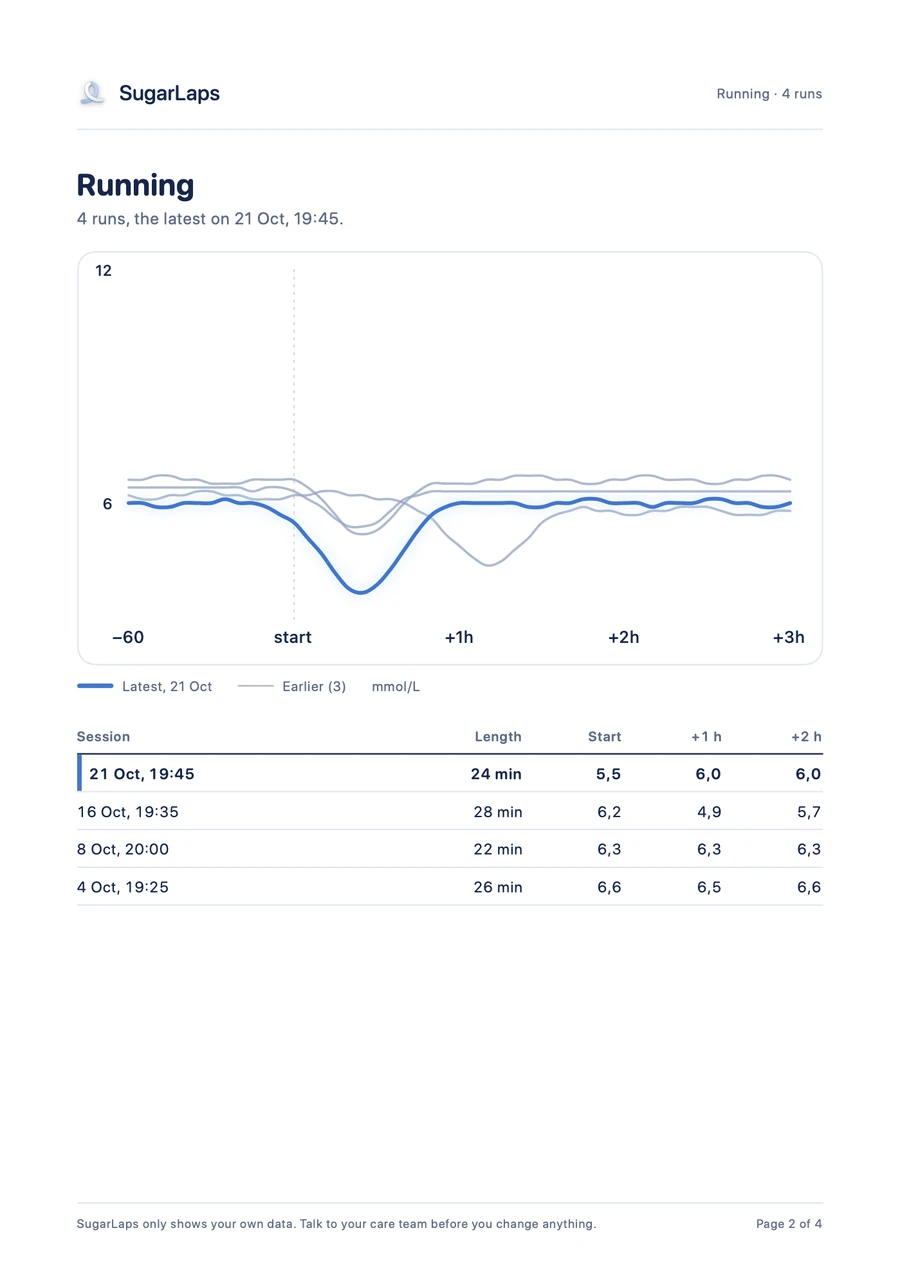
SugarLaps puts your recent sessions of the same sport on one chart, from an hour before the start to three hours after.
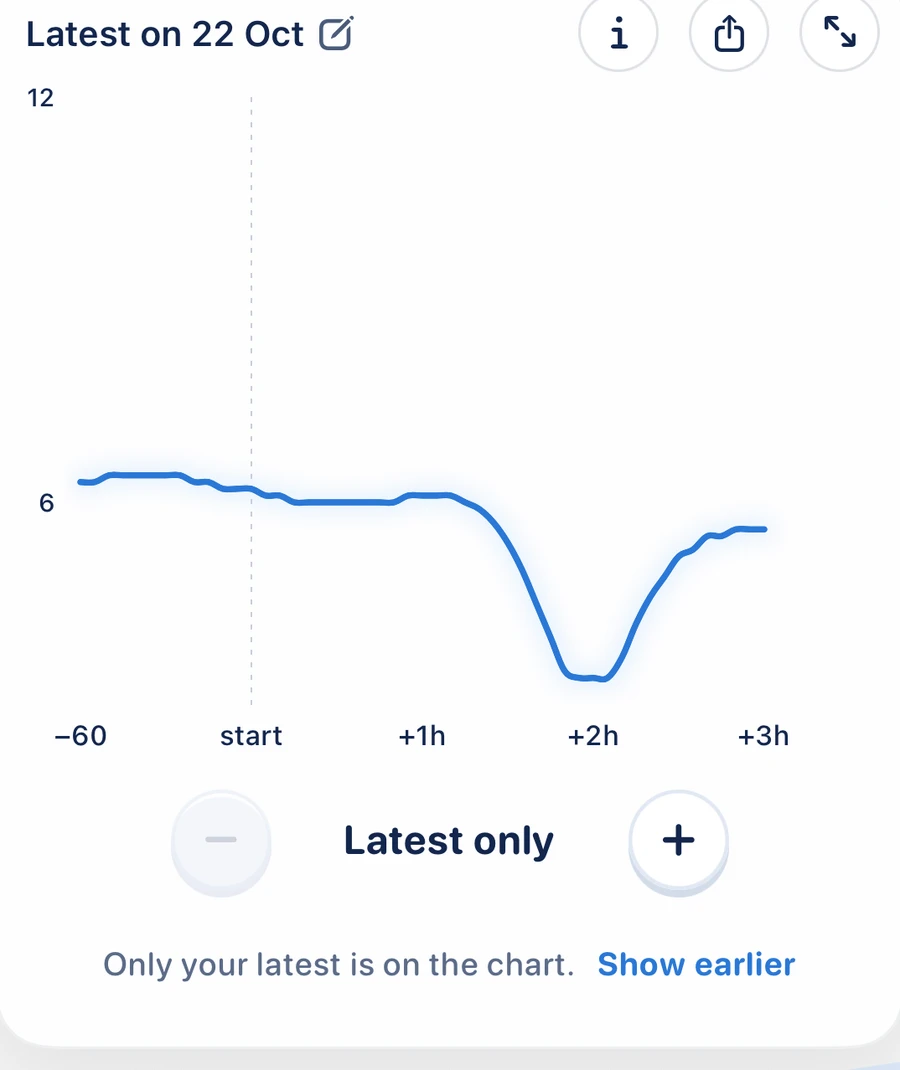
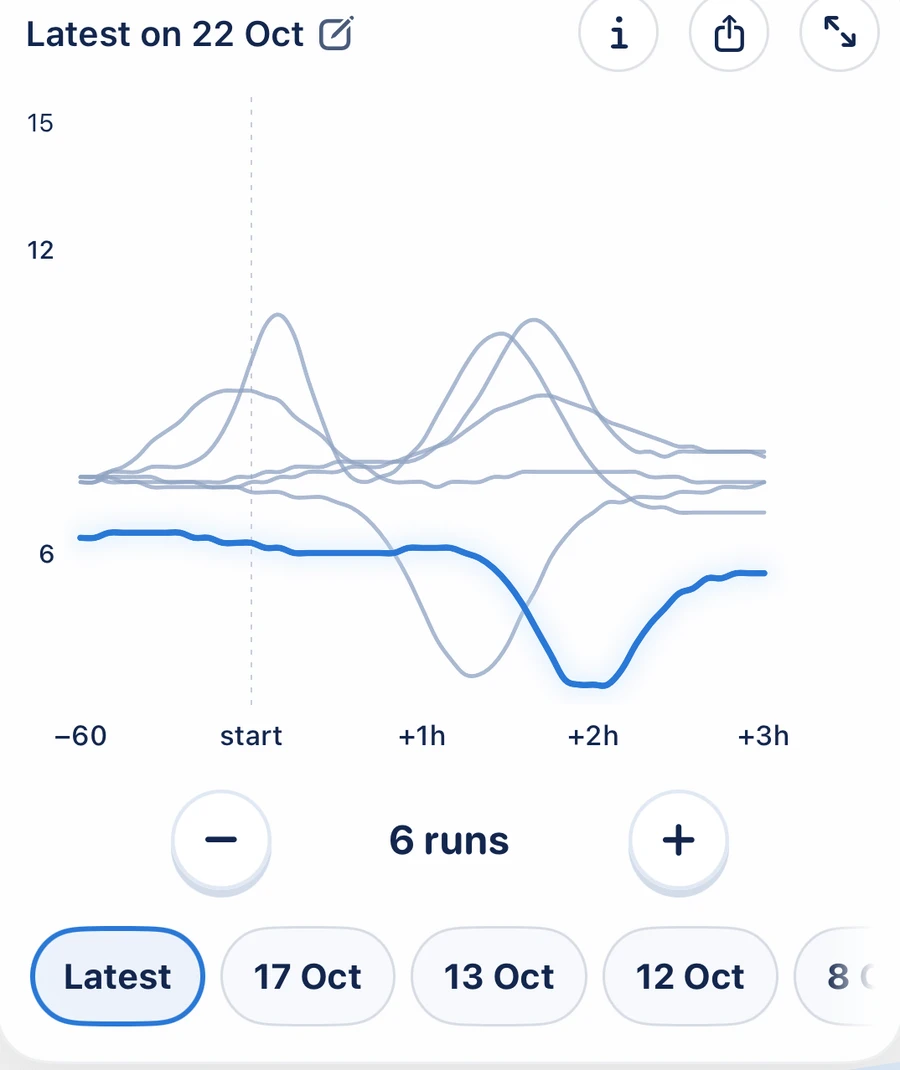
For people with type 1 diabetes who exercise. SugarLaps puts your recent sessions of the same sport on one chart, with the glucose your sensor recorded.
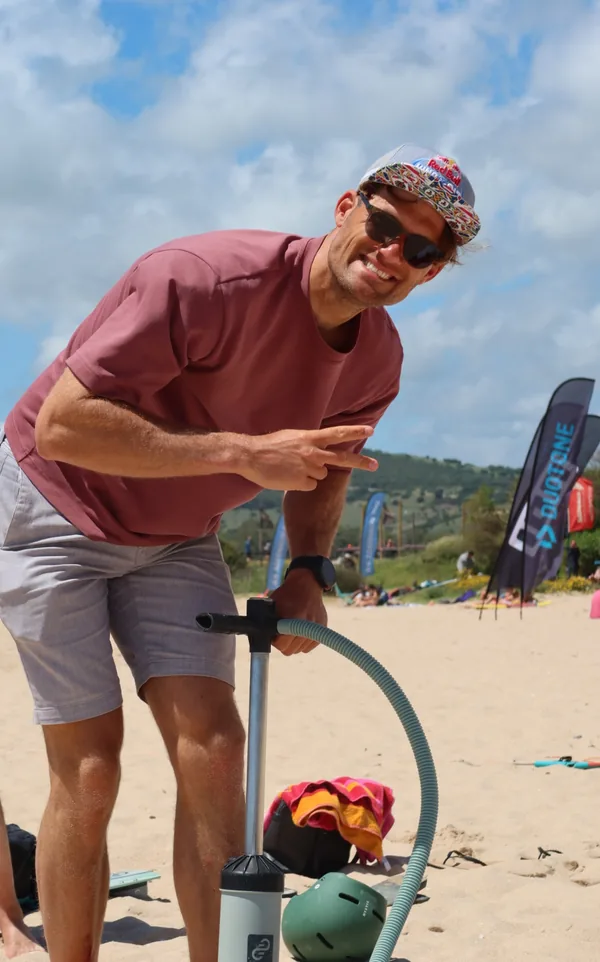
“My devices keep every number, but they don't remember what I tried.”
Sport has always made my diabetes harder to manage. No two sessions go the same way. My pump and sensor record everything, but they never show me one session next to the one before. So I built SugarLaps.
SugarLaps puts your recent sessions of the same sport on one chart, from an hour before the start to three hours after.
Give every session a note and labels. With Plus, filter by label, time of day or length.
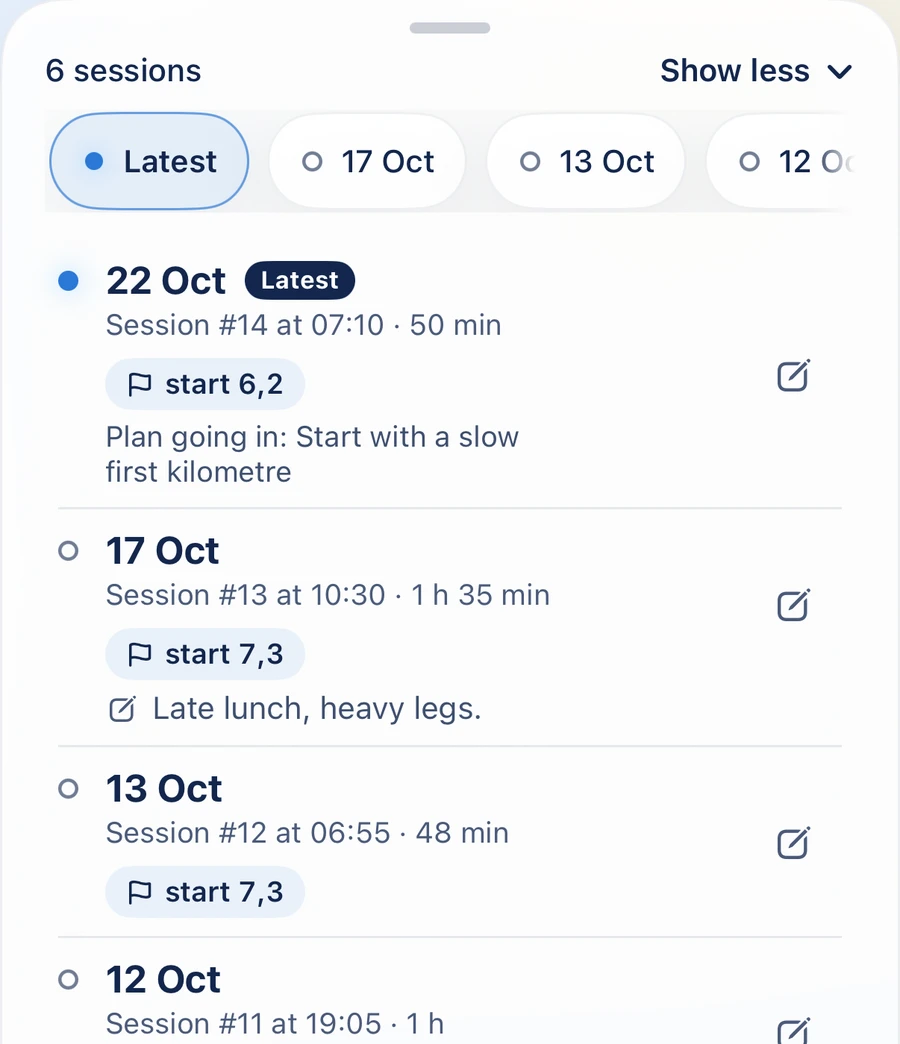
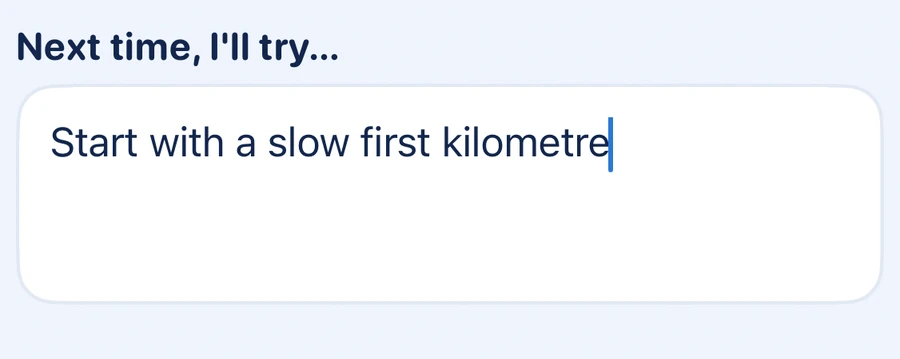
Write down what you'll try next time. After that session, SugarLaps asks whether you did.
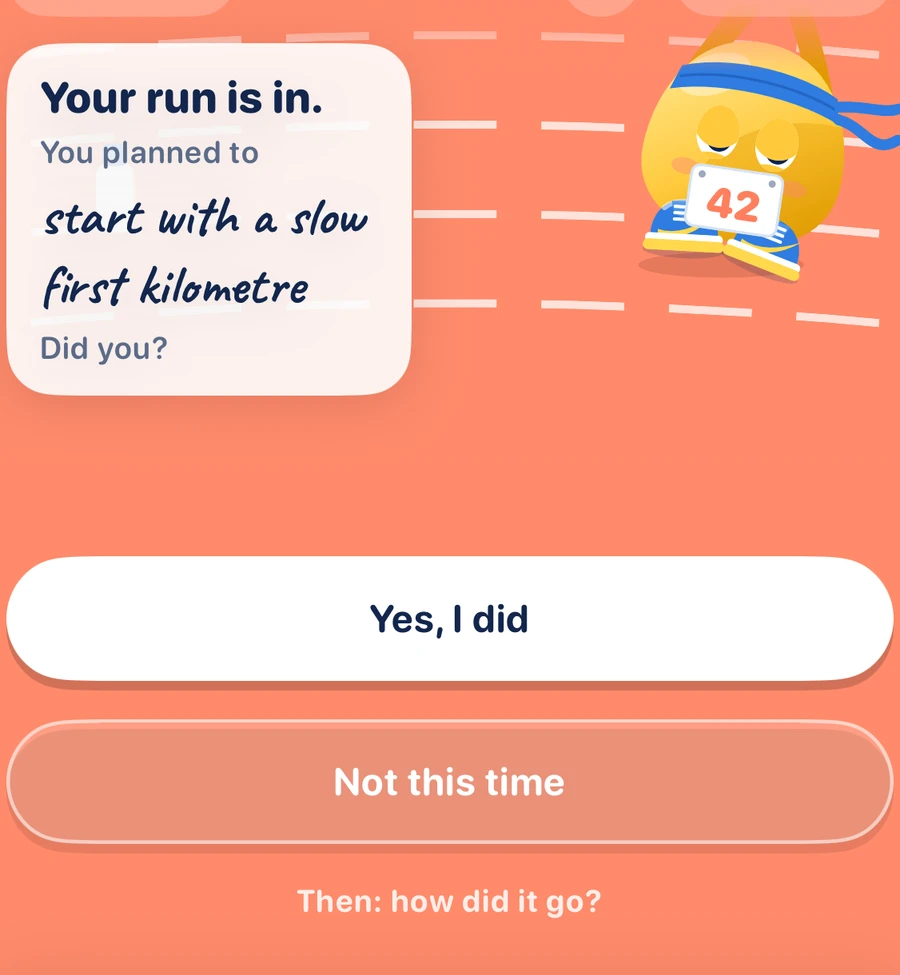
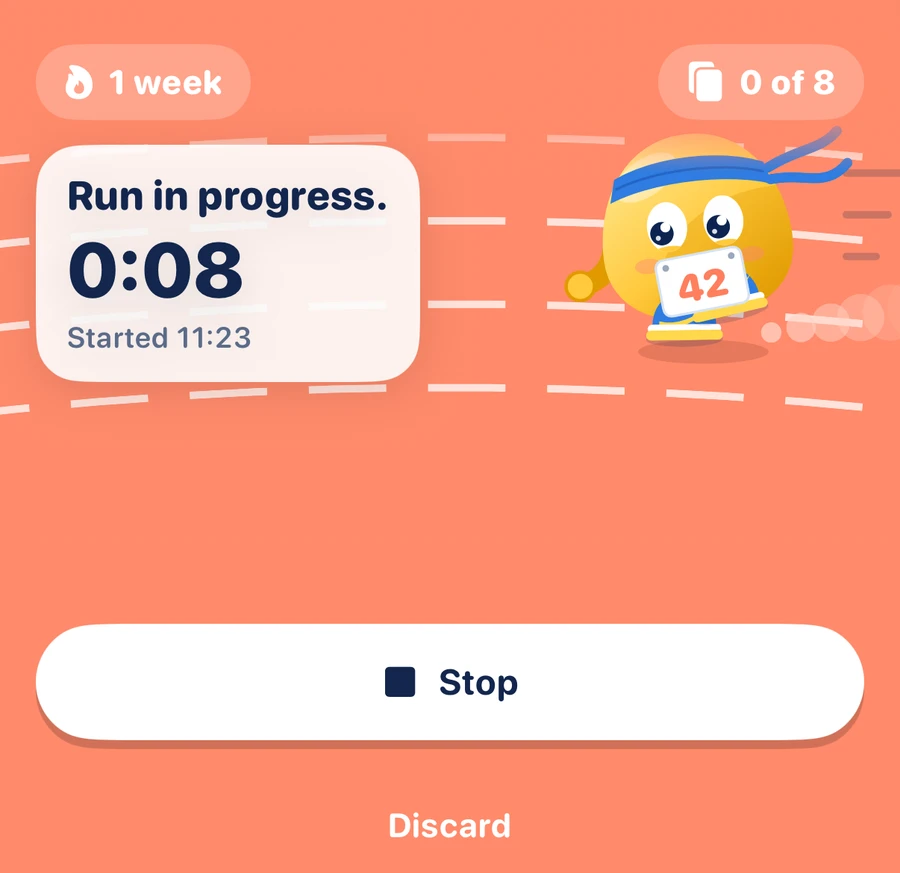
Meet Toby. He has his own world for 23 sports, and any other sport gets a grassy field.
Tap Start before you head out and Stop when you're back. Both also work from your Lock Screen.
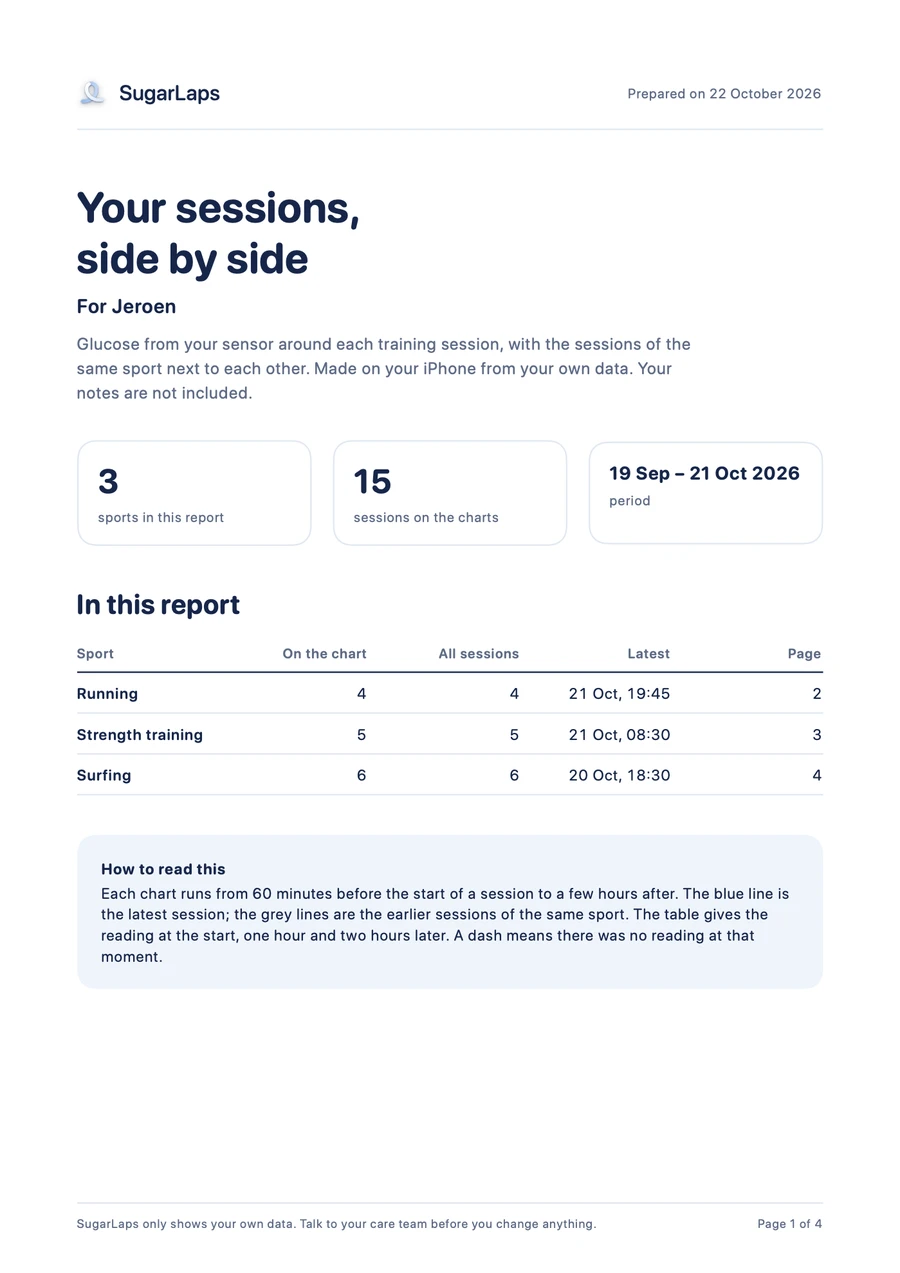
Your charts and readings on A4, with your name on them, to share or print.
A notificationwhen your glucose is in and the session is ready.
Your numbers per sportdistance, pace, calories and when you usually start.
Your plan on your Lock Screen Plusa widget until your next session.
A backup file Pluslocked with a password you choose.
No account and no server. SugarLaps reads Apple Health on your phone and never writes to it.
Libre works through a LibreView export or an app that copies its readings into Apple Health, the 780G through a CareLink export. Omnipod, CamAPS FX and Tandem work through a Glooko or Tandem Source export.
€0
€49.99 a year
or €6.99 a month
Prices include VAT. With notifications on, SugarLaps reminds you two days before the free month ends. Plus renews yearly or monthly until you cancel in your App Store settings.
More answers on the help page, or write to hello@sugarlaps.com.
Dexcom, through Apple Health. Medtronic 780G, through an export from CareLink. FreeStyle Libre, through an export from LibreView or an app that copies its readings into Apple Health. Omnipod, CamAPS FX and Tandem, through a Glooko or Tandem Source export. Any other sensor whose app writes glucose to Apple Health should work too.
No. SugarLaps also reads workouts that other sports apps save to Apple Health. Without a watch or sports app, start a timer in SugarLaps or add a session afterwards.
No. It shows your own data from earlier sessions. It gives no advice on insulin, food or training, and makes no predictions. Talk to your care team before you change anything.
SugarLaps is a training diary for people who exercise. It shows your workouts from Apple Health, or sessions you add yourself, together with the glucose, insulin and carbohydrate data that other apps have already recorded, in the hours around each workout, so you can look back at earlier sessions of the same sport and keep your own notes. SugarLaps does not analyse, count, interpret or evaluate glucose values, gives no alerts, and is not intended for the diagnosis, monitoring, prevention or treatment of diabetes or any other disease. Talk to your care team before you change anything.
On your iPhone, open Settings, tap your name, then Subscriptions, then SugarLaps. Cancel at least 24 hours before the period ends. In the free month, cancel at least 24 hours before it ends and you pay nothing.